A recent poll by the Institute for Healthcare Policy and Innovation found that 34% of adults aged 50-80 reported feeling isolated from others.
While the number is an improvement on the previous 56%, it still highlights the importance of frequent and engaging contact with friends and family.
As families find themselves busy with life’s requirements and many seniors transition to living alone or in facility-based care, scheduling visits can be challenging. Fortunately, this is an area in which technology can truly help.
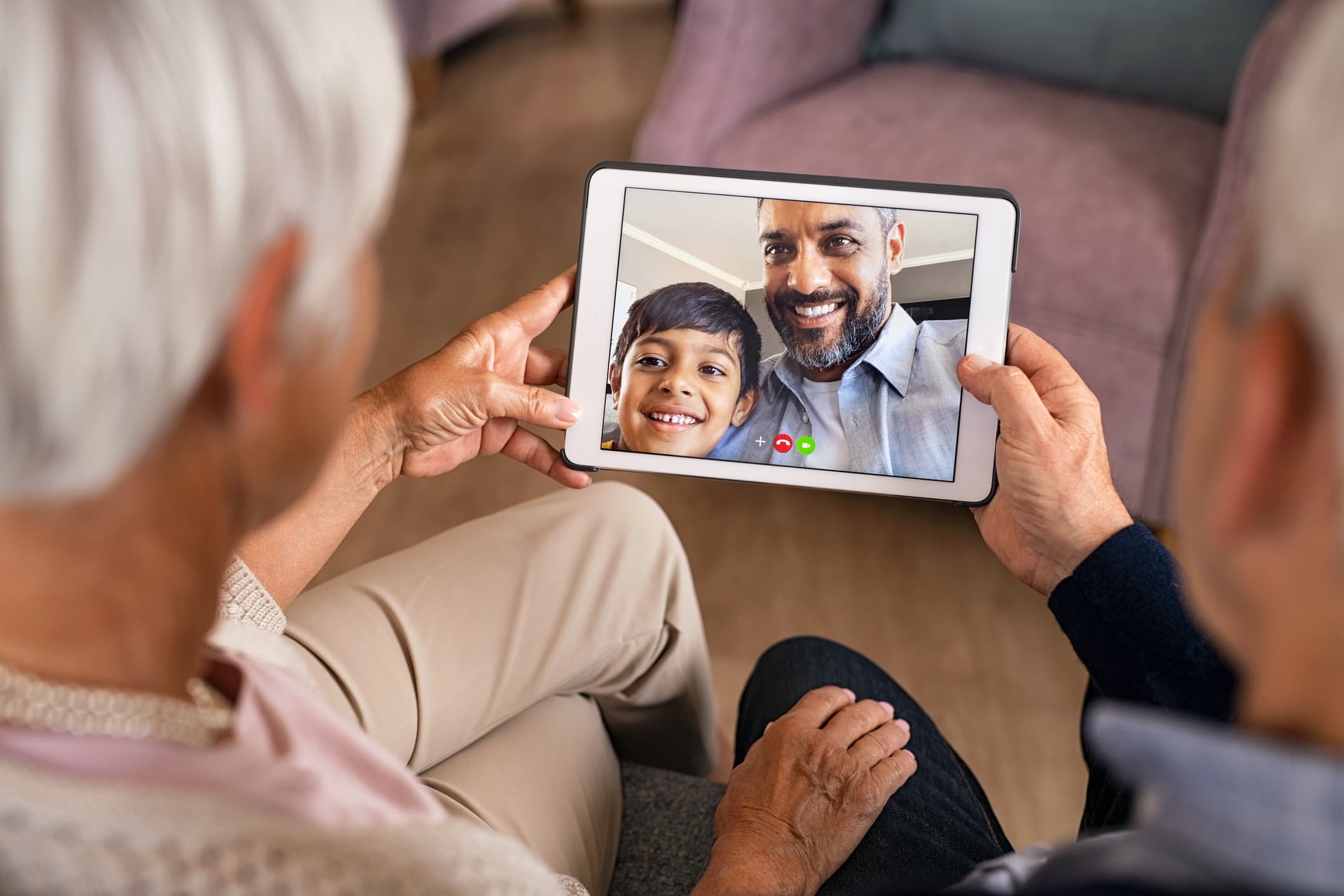
Video chats are a fantastic way to get some face-to-face time with your loved one, providing more opportunities for connection and engagement.
You're not alone if you’re concerned about your parent or grandparent feeling comfortable with video calling technology. Many worry that their loved one will reject new tech or will become frustrated by its use.
However, many user-friendly options aim to combat these challenges and will leave you feeling tech-savvy in no time.
Related Article: The 10 Best Brain-Training and Games Apps for Seniors
Benefits of Video Calling for Seniors
The number one benefit of using video calling for seniors is that it reduces their feelings of isolation. In fact, unlike a telephone call, video calling can give your loved one the experience of fully connecting with family by engaging with their speech, facial expressions, and environment.
Beyond just providing a social connection, video calling delivers older people with mobility challenges a means to enjoy events they otherwise would miss out on. Now, they can enjoy piano recitals, soccer games, art shows, science fairs, and more from the comfort of their own home.
In decades past, when a loved one moved to a new state or country, phone calls and letters were the only way to stay in touch. Now, a senior who is unable or uninterested in travel can maintain relationships with friends and family even after they’ve moved hundreds or thousands of miles away.
Key Considerations When Choosing Video Calling Devices
If you’re looking to purchase a video calling device for yourself or a senior in your life, there are several aspects to consider. Let’s take a look at each one.
1. Ease of Use
The number one aspect of your video calling device to consider is ease of use. Start by evaluating your senior’s understanding of technology. For some, a high-tech device may be confusing and frustrating, leading to a reluctance to use it, while others may thrive with the latest innovations. There are options available on both ends of the spectrum, so you just need to decide which is more appropriate.
2. Features
As you shop for your device, consider the available features and whether or not you or your loved one will use them. While many options are available, paying extra for features that’ll sit idle isn’t a cost-effective strategy when choosing your device. Some options to look out for include:
One-way vs Two-way calling
Voice commands
Drop-in feature that auto-answers calls
Display size
Cellular network vs WiFi
Online support
3. Subscription Options
Another consideration when shopping for a video calling device is whether or not you must pay for a subscription. Some devices can be activated with a one-time fee, while others require that you pay monthly.
4. Price
From under $100 to well over $500, device cost varies widely, meaning you can stick to a strict budget or go all out on your new device. One thing to keep in mind is that some devices require that you have WiFi or that you pay a monthly fee. This additional, ongoing cost may be a hindrance for some, so be sure to inquire about these costs before purchase.
5. Device Size
Video-calling devices designed for seniors come in a plethora of sizes. Some, similar in size to a cell phone, are portable, but may be difficult to see. Others are designed to use the television screen, ensuring a great picture that is easy to see and leaves the viewer feeling like they’ve connected even more closely.
6. Accessibility
If you or your loved one experiences difficulty with hearing, seeing, or fine motor skills, consider the accessibility options of your video calling device. For instance, can calls be made using voice commands? Is the screen large enough to see? Is an auto-answer feature available? Be sure to choose a device that is specifically designed for ease of use and won’t create more difficulty than joy.
Related Article: 8+ Essential Mobility Aids for Seniors
Top Video Calling Devices for Seniors
There are a wide range of options designed specifically for older adults who want to engage in video calling with friends and family. However, there are a few that stand out in the field of remote communication.
Amazon Echo Show
Meta Portal
GrandPad
Komp
Call Genie
Onscreen
ViewClix
These devices offer many of the most innovative, easy-to-use, and affordable options on the market today.
Tips for Setting Up and Using Video Calling Devices
When setting up your device for the first time, there are some factors to consider. First and foremost, if you don’t feel comfortable with technology, be sure to ask a trusted friend or family member to assist you in the setup. Getting things up and running the first time is often the most challenging part of using a new device. Carefully follow the device’s instructions, and avoid the temptation to skip ahead to the “fun part.” Once your device is working, you’ll need to consider a few other aspects of your video calls before you begin.
Camera Position
Always position your camera so that it is at your eye level. This will ensure your face is centered in the frame for those you’re speaking to. Also, keep the camera set back far enough that you are visible from just above your head to your waist.
Lighting
Similar to having your photo taken, it’s best to light your face from the front. Sitting in front of a window or other source of light can create a halo around your face and body, or make you appear very dark. It’s best to position yourself in front of a clean, solid background so that your light source is near or behind your camera, while also ensuring that the device itself isn’t casting a bothersome shadow.
Device
Your device purchase should come with directions for setup and maintenance. Be sure to read through the materials and follow instructions carefully. This will guide you through the best experience and ensure you don’t void any warranty.
Also, take time to check for and download software updates to your device as they become available. This will provide you with the best functionality as the device maintains compatibility with your WiFi connection and other instruments.
Connection
When choosing your device, select one that connects to the internet or a network that works for you. Some require a home WiFi connection, while others connect through a cellular network. Oftentimes, if your device requires a cellular network, you’ll be mandated to pay a monthly fee to continue accessing the service. If WiFi is required, you may need to purchase this service separately. Familiarize yourself with your device’s needs and provide it with the necessary route to access a connection.
Final Thoughts
As life gets busier and you find it increasingly difficult to stay connected, leaning on technology’s advancements is instrumental in staving off feelings of isolation and disconnection. Don’t sit idly by as your family members and friends live life in a fragmented world. Instead, consider a video calling device for seniors or anyone else in your world who wants to stay in touch and feel involved.
About Author

Tammy McKinney
Tammy McKinney, RN, is a seasoned registered nurse and accomplished healthcare and personal finance writer. With a background in acute care, long-term care, and hospice & palliative care, Tammy combines her medical expertise with her passion for writing to educate and inform the public on various health and finance-related topics.